Coastal guide
Ring Cameras and Smart Home Setup for a Pacific Beach Property
Pacific Beach's density is exactly what makes smart-home and camera setup both more useful and more complicated than it is in a standalone house on a large lot. Shared entries, small patios, close-set units, and a housing stock that's often in active rental use all change what a good setup actually looks like, and it's worth thinking through before you start buying equipment.
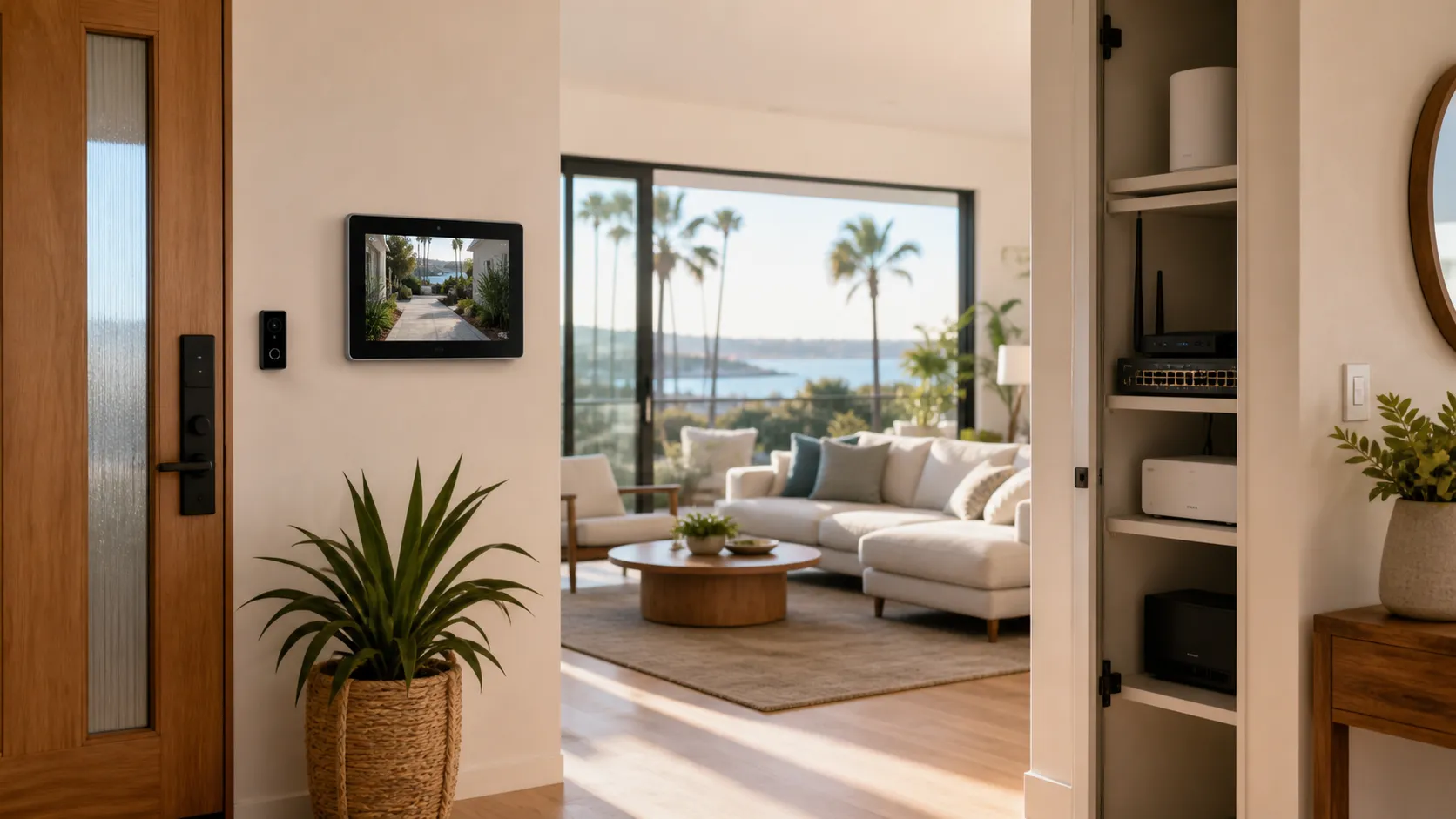
Pacific Beach's density is exactly what makes smart-home and camera setup both more useful and more complicated than it is in a standalone house on a large lot. Shared entries, small patios, close-set units, and a housing stock that's often in active rental use all change what a good setup actually looks like, and it's worth thinking through before you start buying equipment.
Why PB Properties Have Unique Smart-Home Needs
A large share of Pacific Beach housing turns over between renters more often than the San Diego average, whether that's a long-term lease, a student rental near the beach, or a short-term stay booked by the week. That turnover is the core reason smart-home equipment is so useful here: a video doorbell and smart lock let an owner or property manager handle guest access remotely without a physical key exchange, and cameras covering entries and common areas provide visibility into a property the owner may not visit between stays. At the same time, PB's tighter building layouts mean equipment has to be chosen and placed more carefully than it would in a house with open space on all sides.
Self-Test: What Does Your Property Actually Need?
Do you manage guest access remotely, or is someone always local to hand off keys? If you're not local, a smart lock and video doorbell solve a real logistics problem; if you're always around, they're more of a convenience than a necessity.
Does your unit share an entry, hallway, or stairwell with neighbors? This affects where cameras can point without capturing more of a shared space than necessary.
Are you protecting a full house with a yard and multiple entry points, or a single condo or apartment unit? The former usually needs a multi-camera system; the latter often needs just a doorbell camera and maybe one interior or patio camera.
Do you need remote monitoring primarily for security, or primarily for guest-turnover logistics (verifying checkout, confirming a delivery, etc.)? Both use cases point toward similar equipment, but the placement priorities differ.
Core Components Compared
| Component | What It Solves | Best For |
|---|---|---|
| Video doorbell | See and speak to whoever's at the door remotely | Nearly every property type |
| Smart lock | Remote or code-based access without a physical key handoff | Rentals, properties managed remotely |
| Standalone security camera(s) | Coverage of yards, patios, or areas a doorbell can't see | Houses, ground-floor units with outdoor space |
| Basic networking / Wi-Fi equipment | Reliable connectivity for all of the above, especially in denser buildings with more interference | Any property, especially multi-unit buildings |
Planning for Future Additions
It's worth thinking a step beyond your immediate need when you first set up a smart-home system, even if you're only installing a doorbell camera today. Choosing equipment within a single ecosystem (rather than mixing several incompatible brands and apps) makes it much easier to add a second camera, a smart lock, or additional networking equipment later without starting over or juggling multiple apps to manage one property. This matters more for PB property owners who might start with a single-unit setup and later take on a second property, or who might add outdoor cameras after starting with just a video doorbell — planning the network and ecosystem choice with that possibility in mind now saves a redo later.
Privacy and Neighbor Considerations in Dense Buildings
Camera placement in a building like the ones common in Pacific Beach deserves more thought than it does on an isolated lot. A camera angled to cover your own door or patio can easily also capture a shared walkway, a neighbor's window, or a common stairwell if it's not positioned carefully. We think through sightlines during the estimate so your coverage focuses on your own space and shared points of interest — like your front door — without unnecessarily capturing more of your neighbors' daily lives than the situation calls for.
Choosing Equipment for Multi-Unit Wi-Fi Environments
Dense buildings with a lot of overlapping Wi-Fi networks — common throughout Pacific Beach's apartment and condo stock — can cause smart-home equipment to behave inconsistently if the network itself isn't set up to handle it. Interference from neighboring routers, weak signal reaching a patio-mounted camera, and too many devices competing for bandwidth are all more likely in a building like this than in a standalone house. Before recommending equipment, we look at your existing network's signal strength where the cameras and lock will actually sit, not just near the router, and suggest a mesh extender or access point if needed so the system stays reliable rather than dropping connections during exactly the moment you need it most.
Ongoing Management After Installation
Getting the equipment installed and configured is only half the job — the more useful half is making sure you can actually manage it day to day. We walk through the app setup for whichever platform you're using, show you how to add or remove access codes for guests or cleaners, and explain what notifications you'll get and how to adjust them so you're not overwhelmed by every motion alert. For property managers overseeing several units, we can also standardize the setup across properties so switching between units in the management app feels consistent rather than like learning a new system each time.
What the Installation Process Looks Like
We start with a walkthrough of the property (in person or by video call for remote owners) to understand entry points, existing Wi-Fi coverage, and what you're actually trying to solve — security, guest-access logistics, or both. From there we recommend and install the doorbell, lock, camera, and networking equipment that fits your unit type and building layout, configure the apps and access codes, and walk you through remote monitoring and management before we consider the job finished.
Frequently Asked Questions
Can you install this equipment remotely if I'm not local? The physical installation needs someone on-site, but we can coordinate scheduling and a walkthrough with a local property manager, cleaner, or contact if you're not able to be there.
Will a camera pointed at my front door also capture my neighbor's door in a shared hallway? We aim to avoid that during placement, but shared spaces sometimes make some overlap unavoidable; we'll talk through the realistic options for your specific layout.
Do I need a full camera system, or is a doorbell camera enough? For many single-unit PB properties, a doorbell camera plus a smart lock covers the core need; a fuller system usually makes more sense for houses or ground-floor units with more exposure.
Can guests use a temporary code instead of a physical key? Yes, that's one of the main advantages of a smart lock for short-term rental turnover.
Do you handle the Wi-Fi and networking side, not just the cameras and locks? Yes — we'll assess whether your existing network can reliably support the equipment and recommend networking upgrades if it can't.
Related Reading & Get an Estimate
See our Pacific Beach neighborhood page for more on installation work in the area, or our Home Theater & AV service page for the full range of equipment we install. Ready to set up your property? Call (619) 845-4291, email hello@coastalavhome.com, or request an estimate online.
Ready for a plan?
Bring the room, wall, and equipment into one conversation.
Tell us what you are installing, where it is going, and what timing you have in mind.