Coastal guide
Historic-Home TV Installation in Mission Hills: What to Plan Before You Mount
Mission Hills homes often need a more deliberate installation plan than newer construction. Plaster walls, original trim, masonry features, and room-by-room variations can change the right approach before a TV, display, soundbar, or smart-home device is mounted.
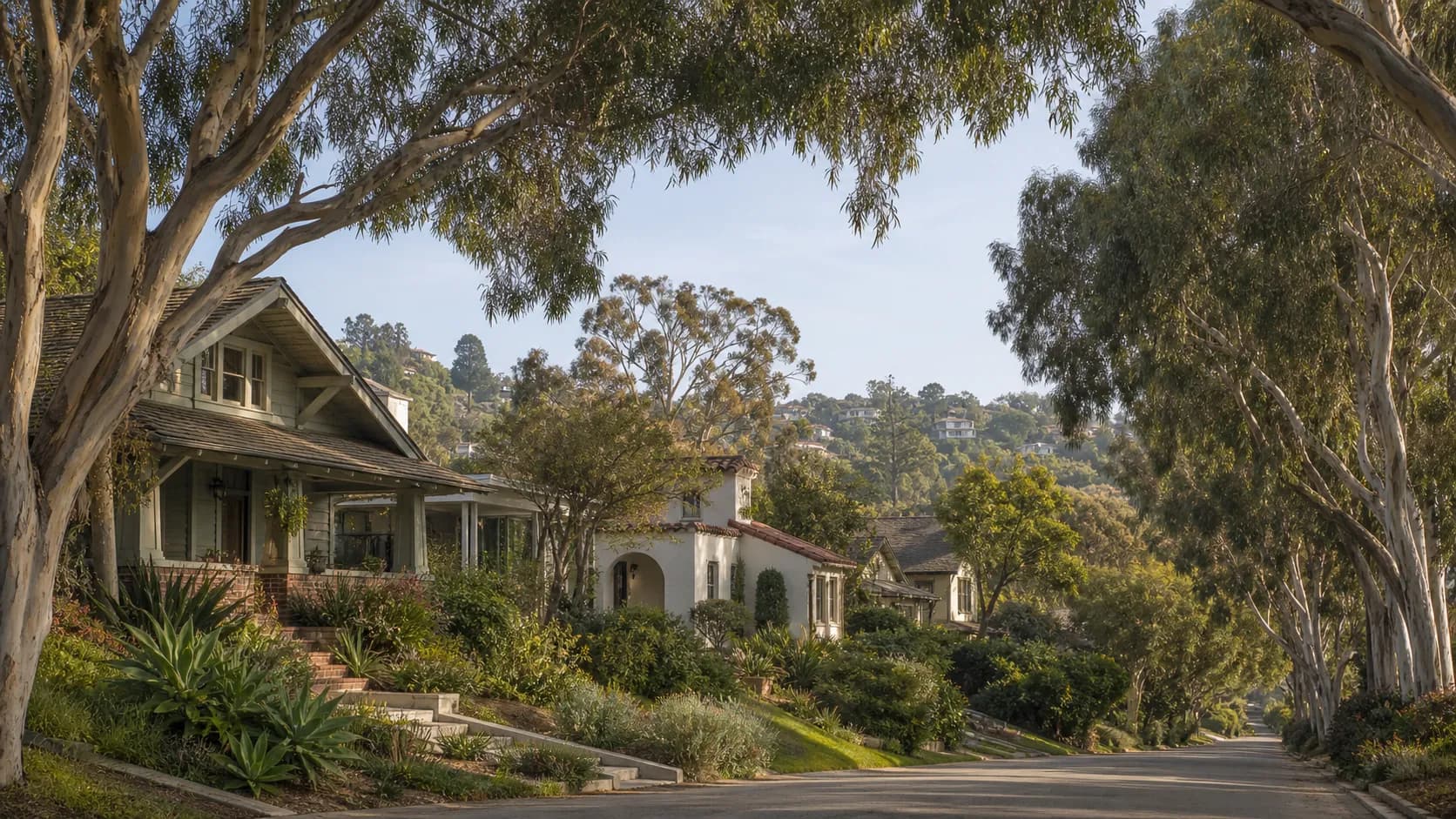
A sense of place
Mission Hills context
The historic streets and canyon-edge setting behind the planning considerations in this guide.
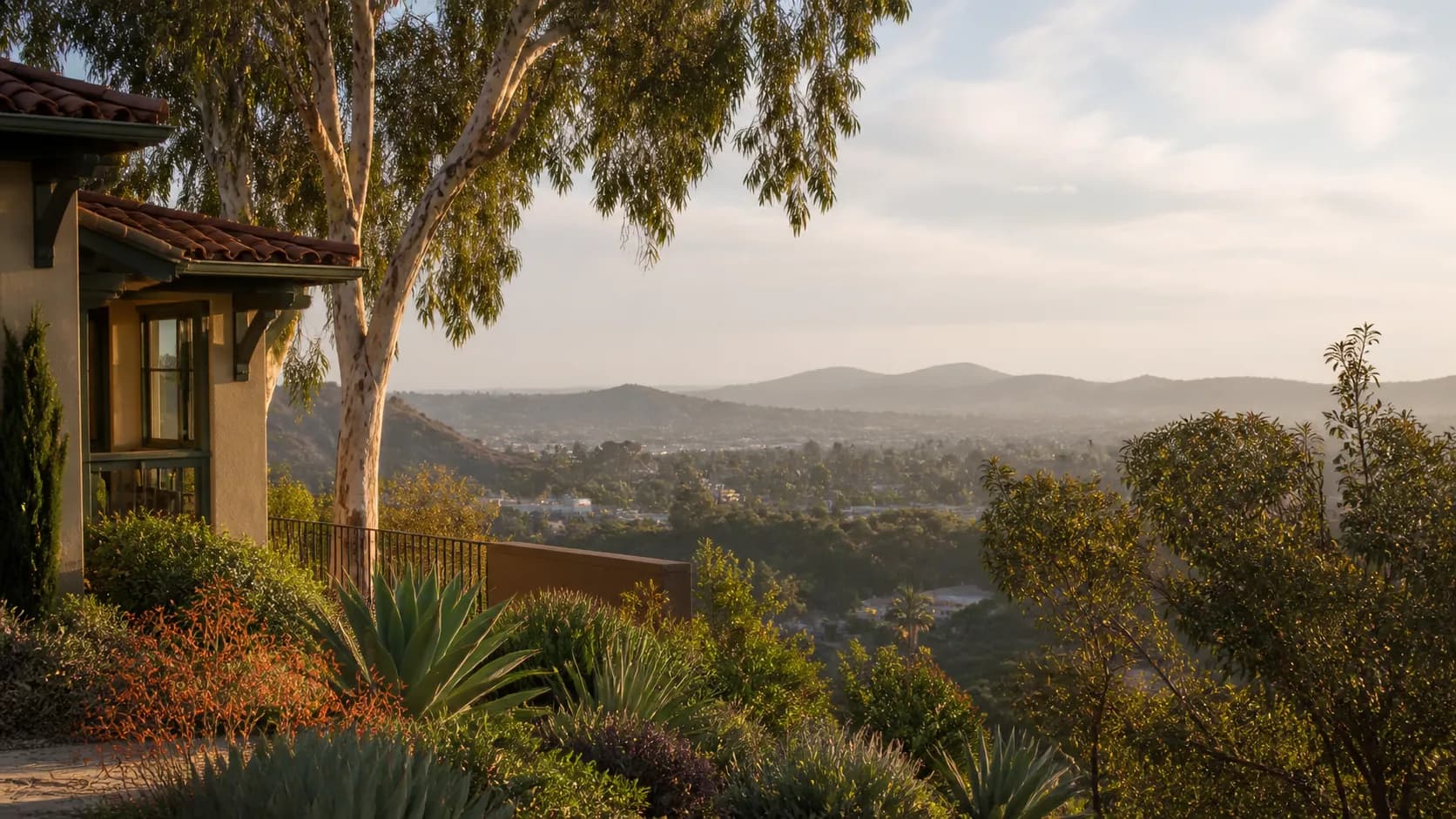
Illustrative regional imagery — not Coastal project photography.
A Mission Hills home can look straightforward from the living room and still have a very different wall assembly behind every finished surface. Historic cottages, Craftsman homes, Spanish Revival interiors, and later additions often combine plaster, lath, drywall, masonry, old wiring routes, carefully detailed millwork, and rooms renovated at different times. That does not make a TV, soundbar, camera, or home-office installation impossible. It simply makes planning before drilling more important.
Start With the Wall, Not the Screen
The first question is what is actually behind the finish. A newer drywall section can often provide a predictable stud layout. A plaster-and-lath wall may need a different locating method and a more careful drilling sequence to reduce the chance of cracking the finished surface. A masonry chimney breast or decorative fireplace surround requires hardware and techniques appropriate for that material. Before recommending a mount or cable path, we review the wall type, likely anchoring points, the equipment weight, and the result the homeowner wants to see when the project is finished.
Protect Original Trim, Millwork, and Finishes
Historic interiors often have details worth preserving: picture rails, crown molding, original baseboards, built-in cabinets, tile surrounds, and plaster texture that would be difficult to reproduce exactly. A good installation plan starts by identifying the surfaces that should remain untouched whenever possible. Sometimes that means choosing a different display position, using an existing chase, selecting a low-profile surface cable path, or coordinating a cable route with a future finish repair rather than assuming every wire should disappear inside the wall.
Fireplaces and Masonry Need Their Own Review
Mounting a television near or above a fireplace is a common request, but the wall above a Mission Hills fireplace may be solid masonry, stone veneer, plaster over masonry, or part of a chimney structure with limited space for concealed cable. Heat, viewing height, wall depth, and the condition of the surround all matter. The right answer is not automatically an above-mantel mount. During planning, compare the actual seating position and TV height with alternatives such as an adjacent wall, a media console, or a separate room layout if the fireplace location would compromise comfort or the finished appearance.
Plan Power, Wiring, and Trade Coordination Early
Older homes can have electrical panels, outlets, and wiring paths that were never designed around today's displays, networking equipment, or media rooms. We can identify what an installation needs and when a licensed electrician should review or perform electrical work. That coordination matters especially when the desired result involves a new outlet location, in-wall power, a circuit question, or wiring that would pass through a wall with an unknown condition. It is better to identify that boundary before installation day than to promise a concealed result that the construction or electrical scope does not support.
Measure the Room as a Whole
A historic room is not just a wall and a television. Window light, furniture placement, fireplace depth, doorway clearances, ceiling height, and how the room is actually used all influence the best mounting position. For a media or home-office upgrade, list the equipment you already own, where it sits now, what needs to be reached by cable or Wi-Fi, and what should remain visually quiet once the work is complete. Photos, simple wall measurements, and a short video walkthrough are useful before an estimate because they reveal constraints that a product box cannot.
A Homeowner Prep Checklist
Before scheduling, gather the display model and mount information if you have it, take photos of the target wall and nearby outlets, note whether the home has plaster, masonry, or a fireplace in that area, and identify any trim or surfaces you do not want disturbed. If your home has association rules, preservation requirements, or an active remodel, share those details early. Also decide whether the priority is the cleanest possible cable path, the least disruption to original finishes, the quickest installation, or a balance of all three. Those priorities can lead to different recommendations.
Frequently Asked Questions
Can a TV be mounted on a plaster wall?
Often, yes. The wall needs to be evaluated first so the anchoring method, equipment weight, and finished surface are handled appropriately.
Will you run every cable inside the wall?
Not automatically. The best route depends on the wall construction, electrical requirements, finish protection, and what can be done safely within the project scope.
Do I need an electrician before an installation?
If the project requires new electrical work, in-wall power, or an electrical-condition review, we will identify that early and coordinate the appropriate licensed trade rather than treating it as a standard mounting step.
Plan the Project Before You Buy More Equipment
Mission Hills homes reward a measured approach. Start with the room, the wall, the finishes, and the way you want the space to work, then select the mount, display, soundbar, or smart-home equipment that fits the plan. For related guidance, see the Mission Hills location page, the home theater and AV service page, and the TV-above-a-fireplace guide. When you are ready to discuss the space, call or text (619) 845-4291, email hello@coastalavhome.com, or request an estimate online.
Ready for a plan?
Bring the room, wall, and equipment into one conversation.
Tell us what you are installing, where it is going, and what timing you have in mind.